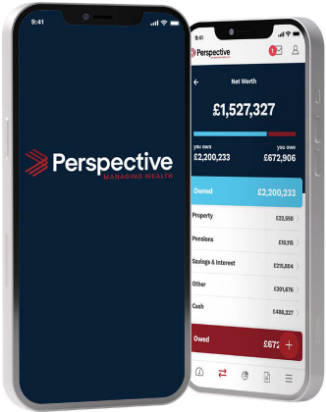
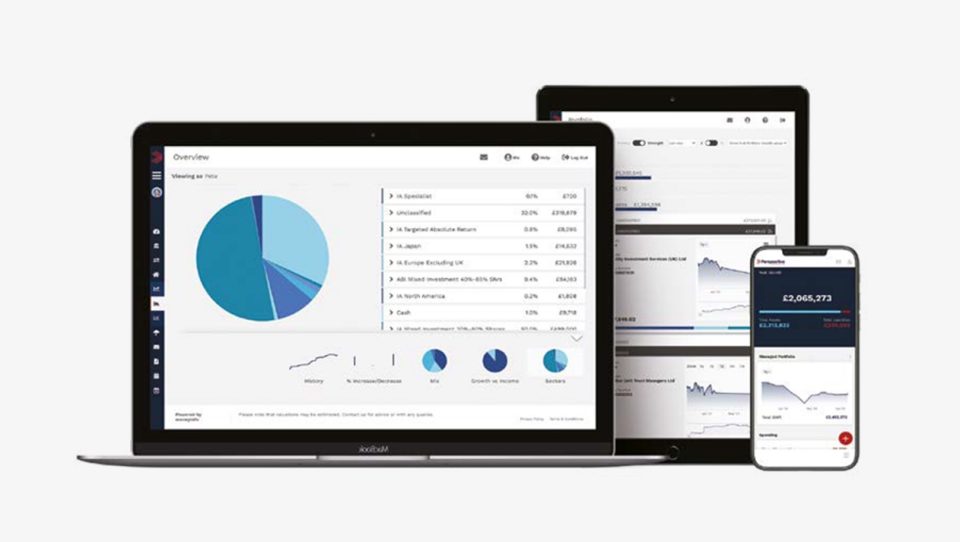
To register you will need to: provide the email address you use to communicate with us, answer some security questions and set a strong password. It’s simple and there is lots of guidance available on the portal itself.
Our offices all have a specific link to the Secure On-line Client Portal. You can use this to register as a new user, or login if you are an existing user.
If you are a member of the iO PFP portal, please ensure you use the correct link for your office from the table on the iO PFP page and contact them if you experience any difficulties. The client portal is also available as a ‘progressive web app’ which uses the web to give an app-like experience, meaning you can use it on smart phones (both iPhones and Android) and tablets. Follow the steps on the iO PFP page to install this on your devices.